
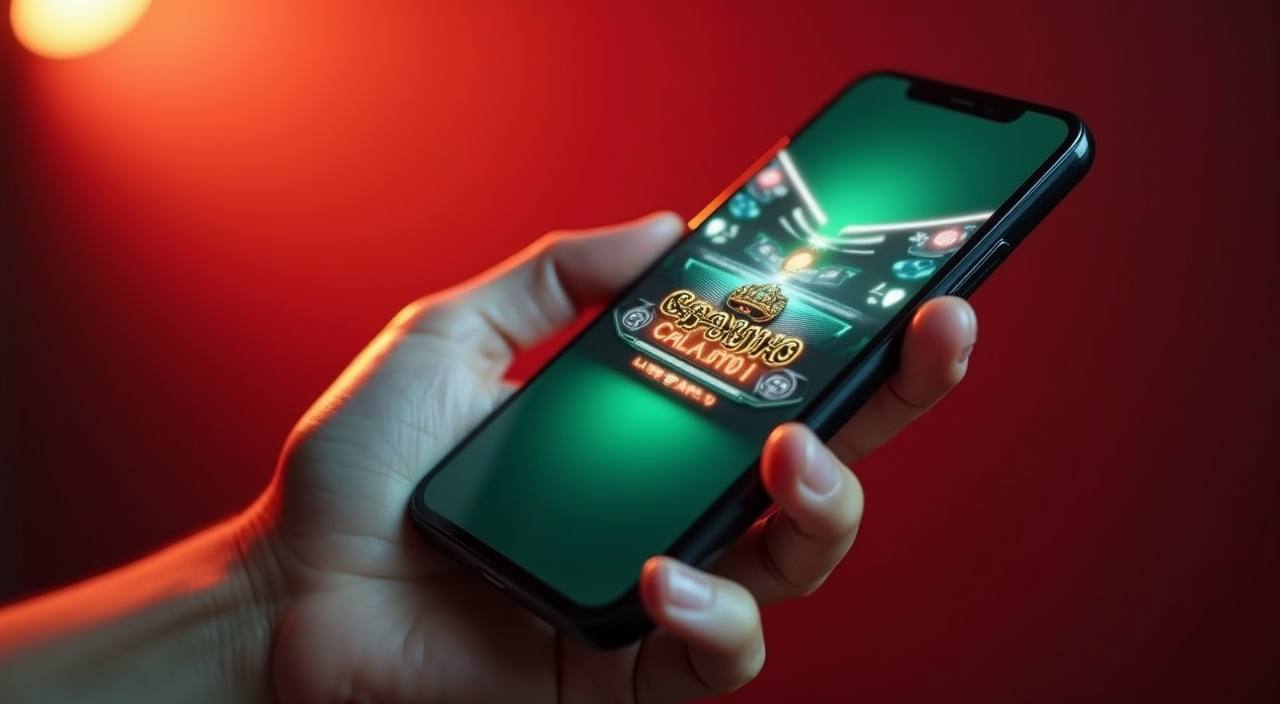
Mobile Access in Three Steps
Getting the banggolbet app running on your phone does not involve an app store or an APK file — the whole thing runs through your browser. First, open the current site address in Chrome or your default mobile browser and check that your device and region are supported; the site shows a compatibility note at the bottom of the lobby page. Second,
log in with your account credentials or complete a quick account opening if you're new — the form is short and the OTP arrives on your registered number within moments. Third, add the site to your home screen using your browser's 'Add to Home Screen' option so the lobby opens like a native app next time, without typing the address again.
- Open in Mobile Browser — Load the current site URL in Chrome or your phone's default browser. No download needed — the mobile layout adjusts to your screen automatically.
- Check Region Compatibility — The site displays a region note on the lobby page. Confirm your location is in a supported area before completing account setup, as availability depends on local law.
- Sign In with OTP — Enter your credentials and confirm with the one-time code sent to your number. Fingerprint login activates after your first successful sign-in on that device.
- Add to Home Screen — Use your browser menu to pin the site to your home screen. It opens full-screen from there, no address bar, just the lobby.